
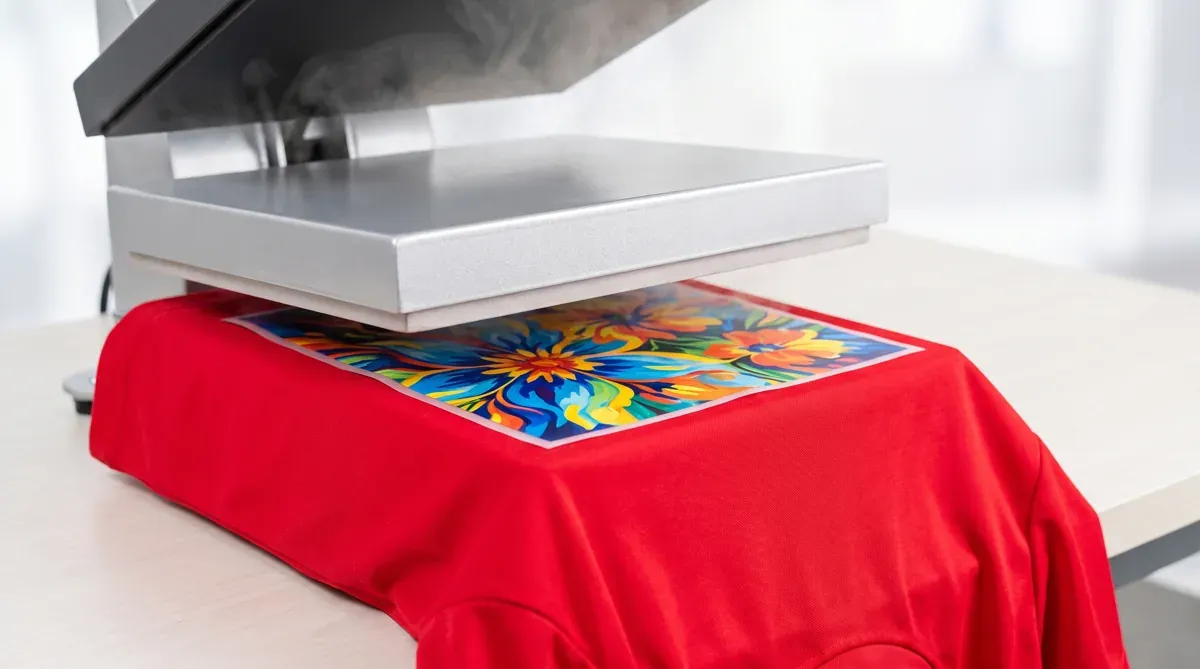
If a crisp white or light DTF print on a red or dark polyester shirt slowly turns pink or muddy, you’ve met dye migration. Here’s what’s happening and how to stop it.
What is dye migration?
Dye migration is when the dye in a polyester garment turns into a gas under heat and bleeds up into your print, discoloring it. It usually shows up hours or days after pressing — a white design going pink on a red shirt is the classic example.
What causes it
- Polyester fabric (especially bright/dark colors like red, maroon, navy).
- Too much heat at the press — the higher the temp, the more the dye sublimates.
- Long press times that drive heat deep into the fabric.
Cotton doesn’t have this problem; this is a polyester and poly-blend issue.
How to prevent it
| Tip | Why |
|---|---|
| Lower the temperature | Less heat = less dye turning to gas |
| Shorter press time | Limits how much heat soaks the fabric |
| Press around 270–285°F on poly | Hot enough to bond, cooler to limit migration |
| Use low-bleed / poly-friendly transfers when possible | Built to resist migration |
| Test first on the same garment | Catch bleed before a full run |
See our heat press settings by fabric for poly-specific numbers.
Quick checklist for polyester
- Lower temp, shorter time, firm pressure.
- Test one piece and wait 24 hours to check for bleed.
- If it migrates, drop the temperature further or switch garments.
Printing on cotton or blends? You can largely ignore this — see best fabrics for DTF. Questions about your blanks? Call +1 (800) 815-5797 or start your order.