
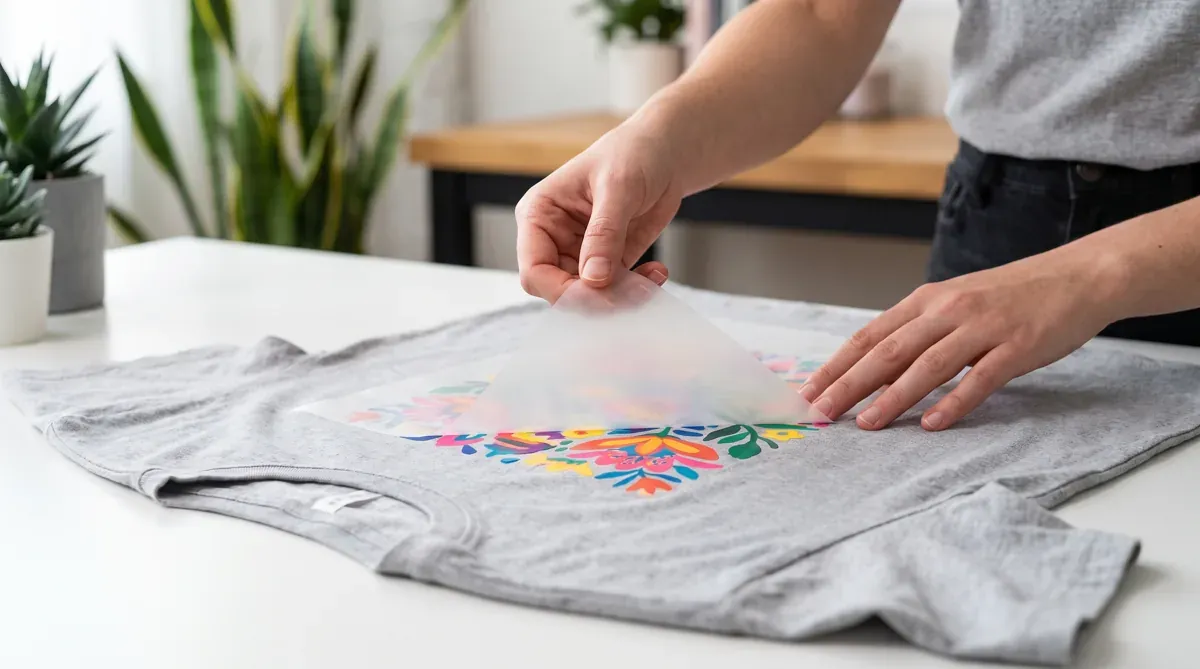
“Cold peel” and “hot peel” describe when you remove the carrier film after pressing a DTF transfer. Using the wrong method for your film is a common cause of lifting or texture issues.
The difference
- Hot peel — remove the film immediately after pressing, while it’s still hot. Faster workflow.
- Cold peel — let the transfer cool fully before peeling. Often gives a slightly more durable, matte finish.
Quick comparison
| Hot peel | Cold peel | |
|---|---|---|
| When to peel | Right after pressing | After it cools |
| Speed | Faster | Slower (must wait) |
| Finish | Can be glossier | Often more matte |
| Risk if rushed | Few issues | Peeling too early lifts the design |
How to peel cleanly
- Press per your film’s recommended time and temperature.
- Peel in one smooth, continuous motion — don’t stop and start.
- If the design lifts with the film, stop, re-press a few seconds, and try again.
- Finish with a second press (use a cover sheet) to lock in durability.
Which film will I get?
Always follow the instructions included with your order — they tell you whether your transfer is hot or cold peel. When in doubt, let it cool and peel slowly; that’s the safest default.
Questions about your order? Call +1 (800) 815-5797. Ready to print? Start your order and read how to apply a DTF transfer.